
Gradient Desktop Wallpapers (16:9)
Gradient · 10 wallpapers · 16:9 · newest first
Gradient is about color moving into color. These pieces blend hot pink, red, orange and blue across the frame, so the light shifts as your eye moves over the screen. They're bright but smooth, a good pick when you want some energy without a busy picture.
Sized for a wide 16:9 monitor. Want the Gradient set on your phone? See Gradient lock-screen wallpapers on TimeTravelWalls for Mobile.
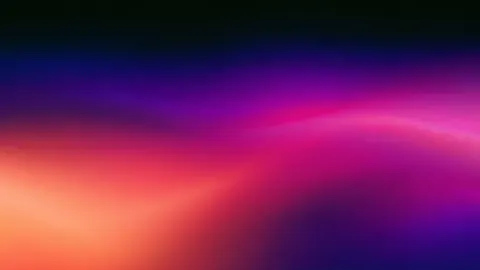
Orchid Coral Blend
Orchid Coral Blend — a fresh TimeTravelWalls original.
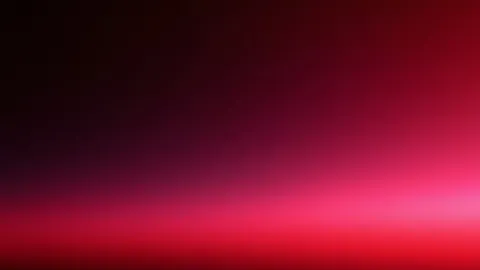
Black Cherry Fade
Black Cherry Fade — a fresh TimeTravelWalls original.
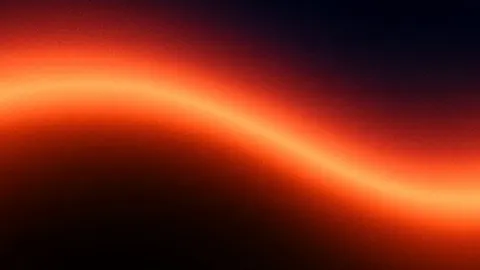
Ember Wave Glow
Ember Wave Glow — a fresh TimeTravelWalls original.
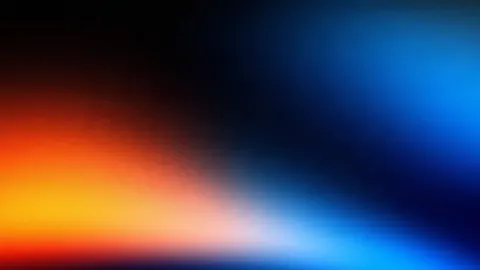
Tangerine Cobalt Split
Tangerine Cobalt Split — a fresh TimeTravelWalls original.
Navy Coral Fade
Navy Coral Fade — a fresh TimeTravelWalls original.
Dusky Gold Ribbon
Dusky Gold Ribbon — a fresh TimeTravelWalls original.
Ice Blue Glow
Ice Blue Glow — a fresh TimeTravelWalls original.
Crimson Indigo Slope
Crimson Indigo Slope — a fresh TimeTravelWalls original.
Molten Amber Band
Molten Amber Band — a fresh TimeTravelWalls original.
Amber Magenta Bloom
Amber Magenta Bloom — a fresh TimeTravelWalls original.
About Gradient wallpapers
Gradient is the simplest set on the site and, for many people, the most practical. Each wallpaper blends two or three colors across a dark field, with little or no other detail.
The style
A gradient lives or dies by its colors. Most of these pieces start from near-black and let one warm color bloom from an edge or the middle: cherry, coral, ember, amber or orchid. A few set a warm color against a cool one, such as tangerine against cobalt, and let the two meet in a soft blur. Several add a faint wave or line of light so the blend has a direction.
The mood
Gradients feel calm and modern. The dark tops keep the screen restful, and the color at the edge adds warmth, like the last light at dusk. Without shapes or scenes, they never feel crowded.
Best uses
Choose a gradient when the desktop is a tool first. Icons, text and windows stay easy to read on the dark areas, and nothing in the image competes for attention during a long workday. Gradients also crop gracefully, so they look right on any screen shape, from a 16:10 laptop to an ultrawide monitor. They make a good match for a second or third display, too, beside a busier wallpaper on the main screen.
Featured picks
- Black Cherry Fade: near-black at the top, sinking into deep cherry and bright pink-red at the bottom.
- Navy Coral Fade: navy giving way to a band of coral and gold along the lower edge.
- Orchid Coral Blend: a soft wave of orchid and coral glowing across the middle of the frame.
- Ember Wave Glow: a thin ember line rolling through a red haze.
- Tangerine Cobalt Split: tangerine on one side and cobalt on the other, meeting in a soft blur.
New gradients join the set as part of the regular daily drops.
FAQ
What resolution are these wallpapers?
The downloads in this category are 1920 × 1080 pixels in 16:9. That is high resolution, not 4K. Each wallpaper's own page lists its exact size and file size.
Can I use them for free?
Yes, for personal use as a desktop wallpaper: free, no signup, no watermark. Please do not resell or redistribute the files. Read the license.
How do I set one as my Mac wallpaper?
Download the wallpaper from its page. In Finder, Control-click the file and choose Set Desktop Picture. Or open System Settings, choose Wallpaper, scroll to Your Photos, click Add Photo and choose Choose File (or Choose Folder).