
Dark Technology Desktop Wallpapers (16:9)
Technology · 49 wallpapers · 16:9 · newest first
Technology is circuits, chips, data streams and the inner workings of machines, turned into something worth looking at. I'm fascinated by where all this is taking us, and these pictures are my way of giving that future a face. Expect glowing traces, falling code and close-ups of hardware lit in red, blue and green.
Sized for a wide 16:9 monitor. Want the Technology set on your phone? See Technology lock-screen wallpapers on TimeTravelWalls for Mobile.
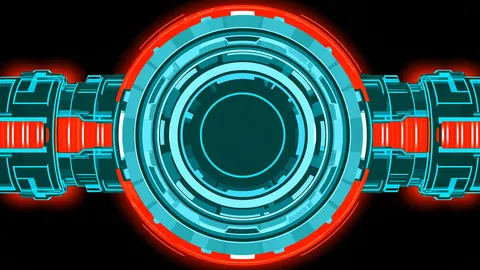
Cyan Crimson Hub
Cyan Crimson Hub — a fresh TimeTravelWalls original.
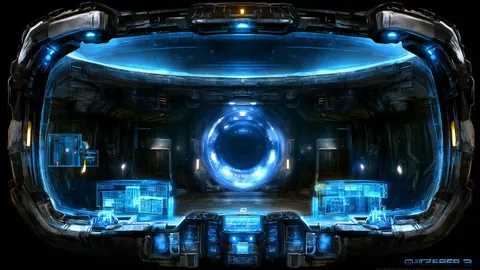
Cyan Cockpit Glow
Cyan Cockpit Glow — a fresh TimeTravelWalls original.
Cobalt Reactor Hall
Cobalt Reactor Hall — a fresh TimeTravelWalls original.
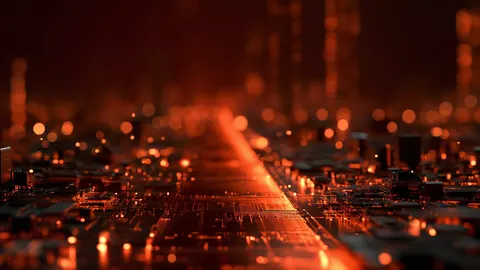
Ember Circuit Boulevard
A city of circuits glowing in amber haze.
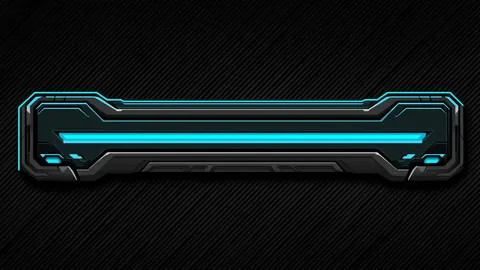
Cyan Neon Bar
Cyan Neon Bar — a fresh TimeTravelWalls original.
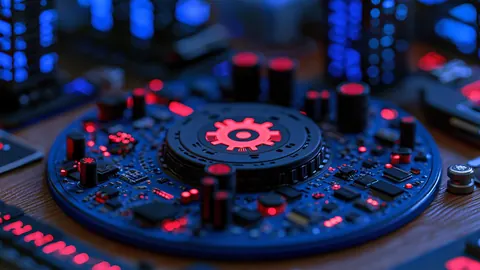
Crimson Gear Board
Crimson Gear Board — a fresh TimeTravelWalls original.
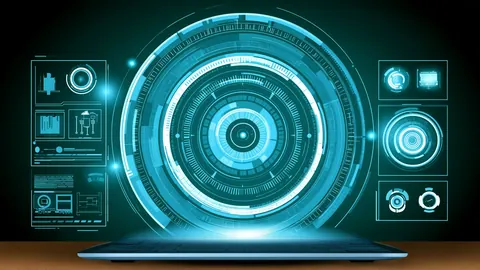
Cyan Laptop Panels
Cyan Laptop Panels — a fresh TimeTravelWalls original.
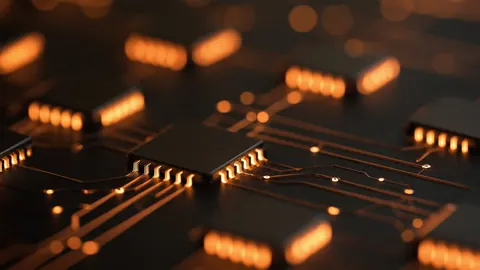
Amber Chip Traces
Amber Chip Traces — a fresh TimeTravelWalls original.
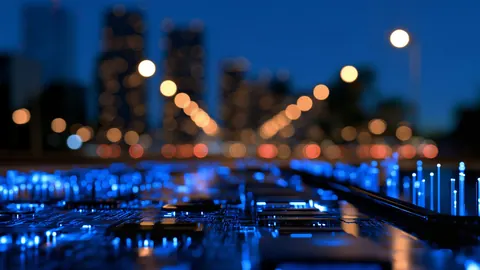
Circuit City Blur
Circuit City Blur — a fresh TimeTravelWalls original.
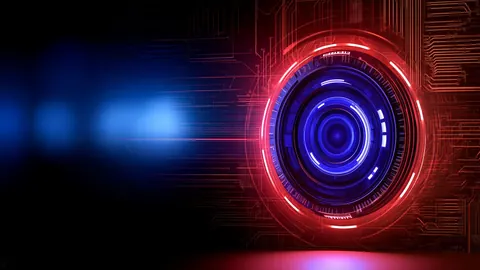
Crimson Lens Circuit
Crimson Lens Circuit — a fresh TimeTravelWalls original.

Crimson Armor Sentinel
Crimson Armor Sentinel — a fresh TimeTravelWalls original.

Gilded Circuit Seal
Gilded Circuit Seal — a fresh TimeTravelWalls original.
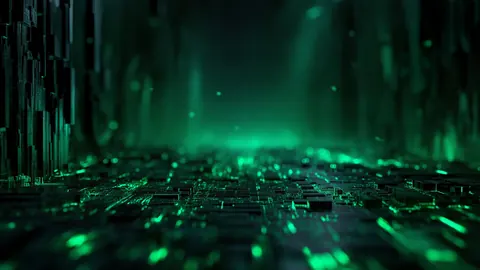
Viridian Circuit Spire
Viridian Circuit Spire — a fresh TimeTravelWalls original.

Sapphire Fiber Orbit
Sapphire Fiber Orbit — a fresh TimeTravelWalls original.
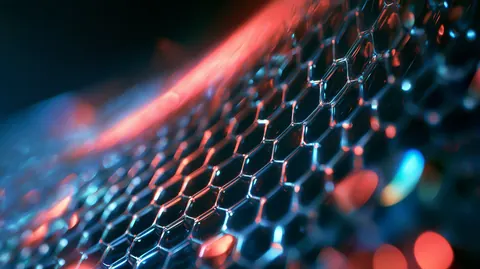
Cobalt Ember Hex
Cobalt Ember Hex — a fresh TimeTravelWalls original.
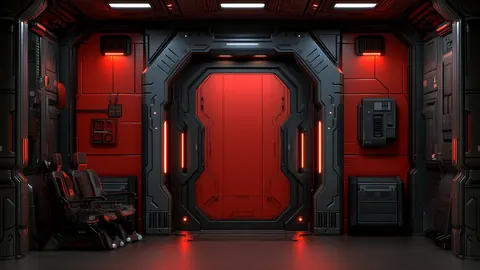
Crimson Vault Portal
Crimson Vault Portal — a fresh TimeTravelWalls original.
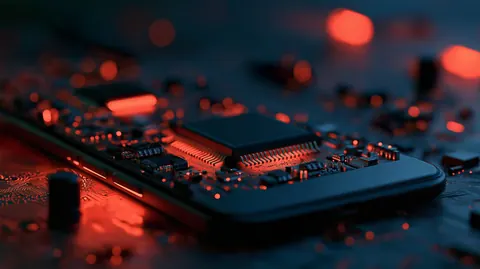
Molten Silicon Core
Molten Silicon Core — a fresh TimeTravelWalls original.
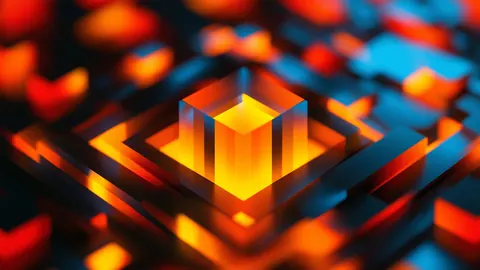
Amber Cube Nexus
Amber Cube Nexus — a fresh TimeTravelWalls original.
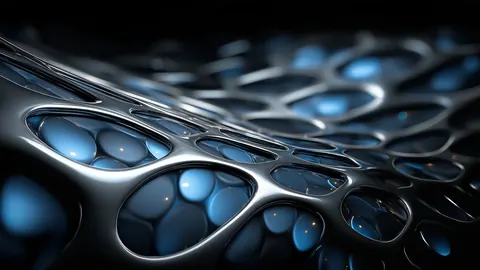
Chrome Lattice Pulse
Chrome Lattice Pulse — a fresh TimeTravelWalls original.
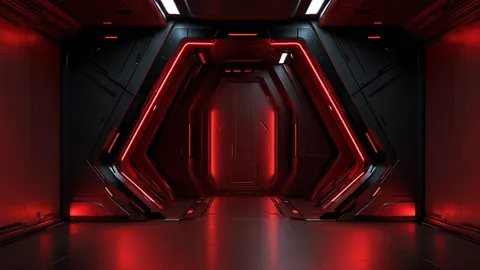
Crimson Airlock Gate
Crimson Airlock Gate — a fresh TimeTravelWalls original.
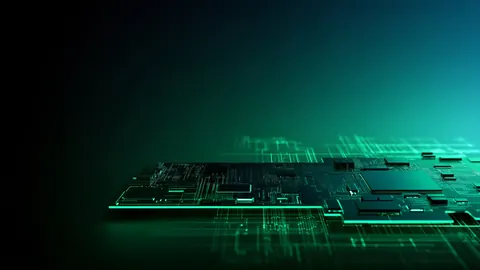
Emerald Chip Glow
Emerald Chip Glow — a fresh TimeTravelWalls original.
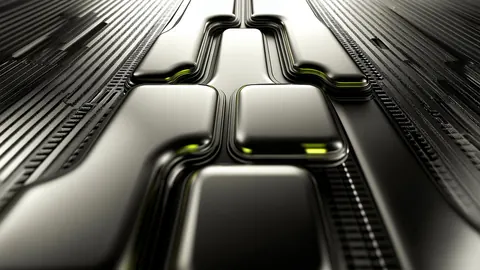
Jade Circuit Ridges
Jade Circuit Ridges — a fresh TimeTravelWalls original.
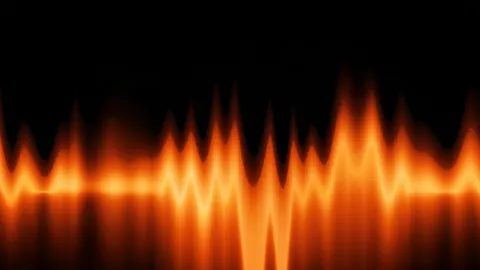
Amber Signal Wave
Amber Signal Wave — a fresh TimeTravelWalls original.
Scarlet Data Lattice
Scarlet Data Lattice — a fresh TimeTravelWalls original.
Gunmetal Mesh Apex
Gunmetal Mesh Apex — a fresh TimeTravelWalls original.
Electric Trace Sync
Electric Trace Sync — a fresh TimeTravelWalls original.
Cyan Frame Nexus
Cyan Frame Nexus — a fresh TimeTravelWalls original.
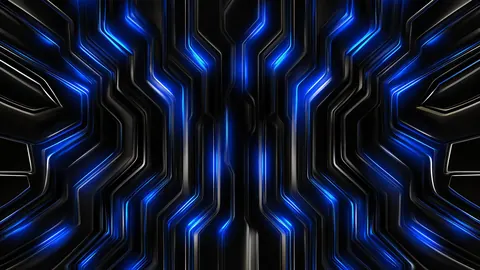
Cobalt Circuit Veins
Cobalt circuit traces pulse through a dark board.
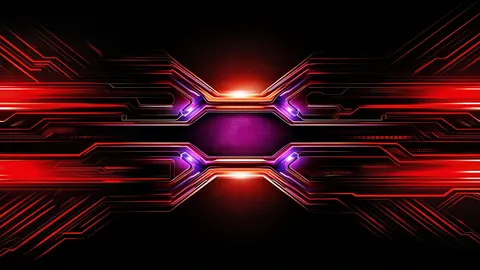
Magenta Hex Flux
A magenta hex core flares between red flux lines.
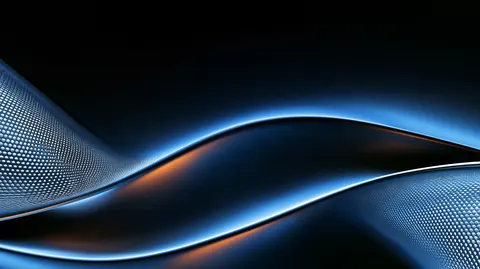
Cerulean Mesh Flow
Sleek blue-metal ribbons with micro-mesh texture on midnight black.
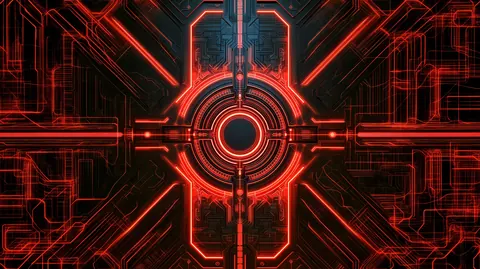
Crimson Neural Core
Neon-red circuitry radiating from a dark mechanical hub.
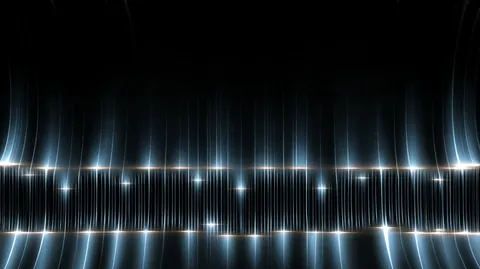
Sapphire Signal Lattice
Vertical sapphire light lines sparkling across a dark digital horizon.
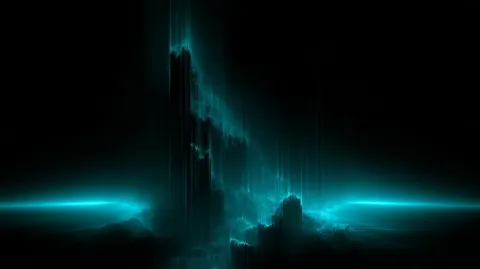
Cyan Data Peaks
Vertical cyan data streams rising like peaks in a black void.
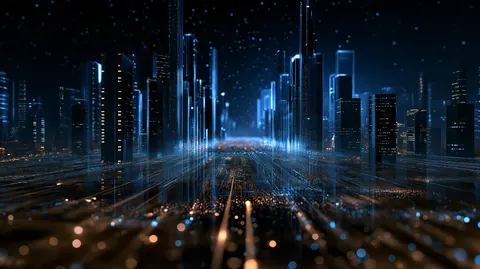
Cyber Skyline
Futuristic skyline glowing under night haze.
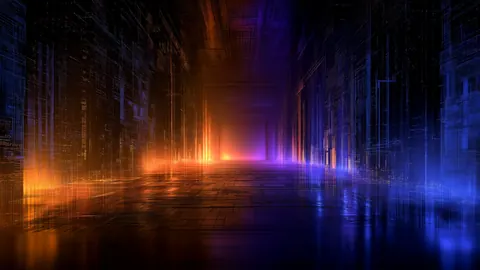
Cyber Corridor
Neon corridor vanishing into digital haze.
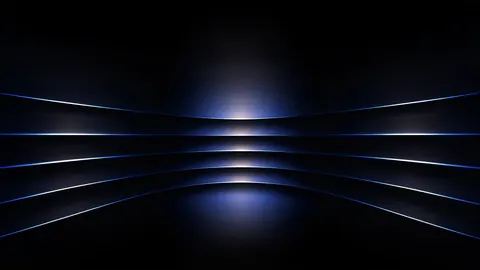
Obsidian Blue Slats
Curved metallic bands with blue rims.
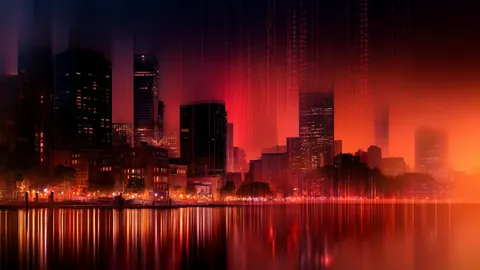
Matrix Skyscrapers
Abstract MATRIX skyscraper photograph.

Clean Data Mantra
Clean data, unbiased models, quiet tech.
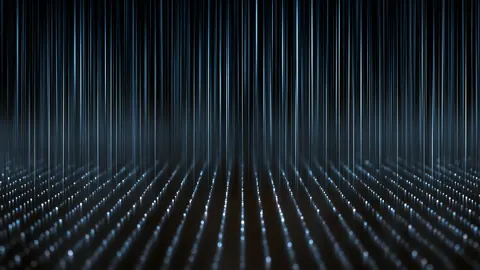
Data Falls Dense
Dense luminous digital waterfall.
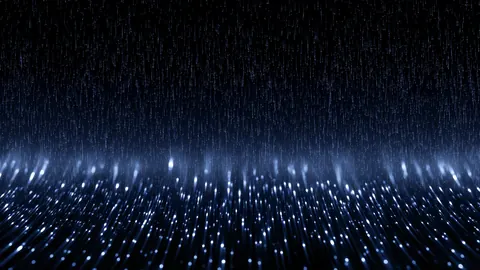
Data Falls Bright
Bright luminous digital waterfall.
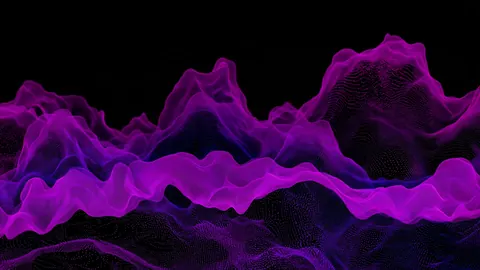
Silent Aurora Band
A wide silent data aurora band.
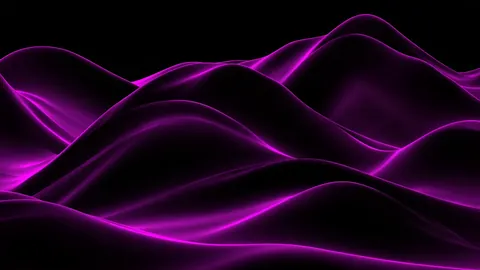
Quiet Violet Ion
Soft violet ion haze on a quiet techno horizon.
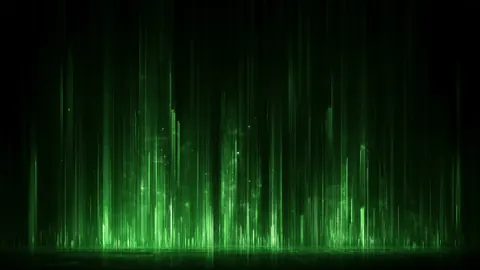
Silent Data Aurora
A wide silent aurora of data light.
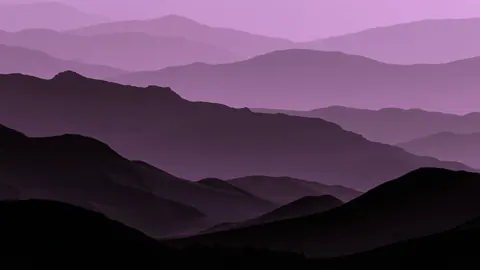
Violet Ion Horizon
Soft violet ion haze on a quiet techno horizon.
Luminous Data Falls
A waterfall of luminous digital signal.

Digital Cascade
Dense luminous streams in full drop.
Data Falls Veil
Veiled luminous streams through dark space.
Digital Waterfall
Luminous data streams in full cascade.
Violet Horizon Drift
Drifting violet ion haze on a quiet horizon.
About Technology wallpapers
Technology is the machine side of the collection: circuit boards, chips, reactor cores, holographic interfaces and falling streams of data. It ranks among the larger sets on the site, with nearly 50 wallpapers.
The style
Most of these designs use a dark base and one or two glowing colors, usually cyan, electric blue, amber or crimson. Many are built on symmetry, with a ring or core at the center and matching panels on either side. Others zoom in close on circuit traces and chips until the hardware becomes a texture.
The mood
The set feels precise and a little cinematic, like the control room in a science fiction film. The centered rings feel powerful and alert. The data-fall designs, with their thin vertical lines, feel calmer and more ambient.
Best uses
Technology wallpapers suit a coding setup, a gaming rig or any desk where the computer is the hobby. Symmetrical designs look best when the center of the screen stays visible, so they pair well with a short dock or a hidden taskbar. The data-fall and circuit-texture pieces work behind busy screens, because their detail spreads evenly instead of gathering in one spot.
Featured picks
- Cyan Crimson Hub: a glowing cyan ring flanked by red machine panels, like the core of a reactor.
- Amber Chip Traces: a macro view of a circuit board with warm amber light along its traces.
- Cyan Laptop Panels: a holographic interface floating above a laptop, all rings and readouts.
- Crimson Lens Circuit: a red-ringed lens set into a wall of circuitry, with blue light behind it.
- Luminous Data Falls: thin vertical streams of blue light falling through the dark.
All of this hardware is imagined; none of it shows a real product.
FAQ
What resolution are these wallpapers?
The downloads in this category are 1920 × 1080, 1920 × 1076 or 2912 × 1632 pixels in 16:9. That is high resolution, not 4K. Each wallpaper's own page lists its exact size and file size.
Can I use them for free?
Yes, for personal use as a desktop wallpaper: free, no signup, no watermark. Please do not resell or redistribute the files. Read the license.
How do I set one as my Mac wallpaper?
Download the wallpaper from its page. In Finder, Control-click the file and choose Set Desktop Picture. Or open System Settings, choose Wallpaper, scroll to Your Photos, click Add Photo and choose Choose File (or Choose Folder).